
License activation
After installing VirtuProbe Studio, activate your license to unlock your subscription tier. Without activation, VirtuProbe runs in Free mode: the HTTP, DNS and SMTP protocols, with chaining. A paid tier adds the other protocols, the Library, fuzzing and the MITM proxy.
Activating your license
Section titled “Activating your license”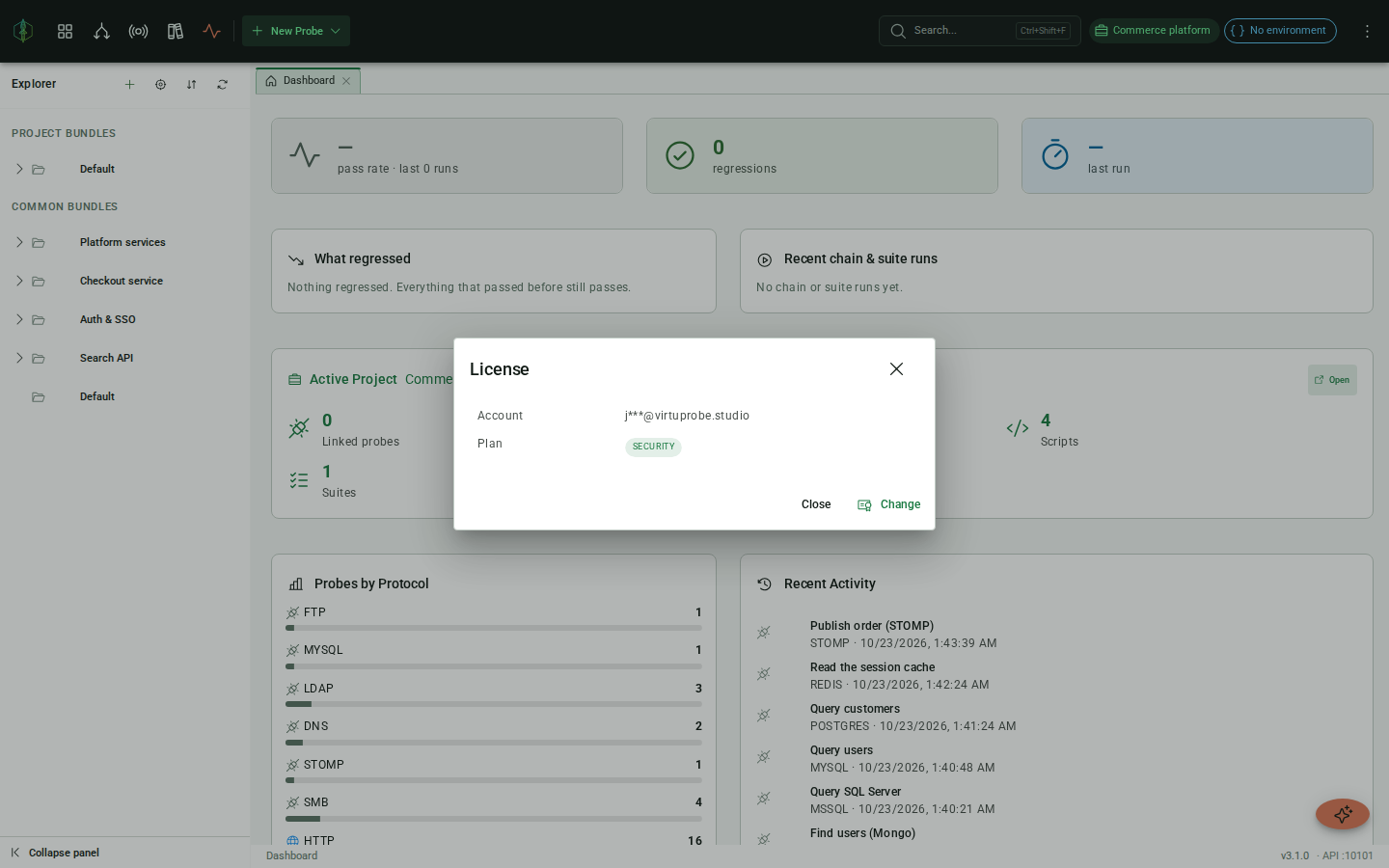
Open the menu (top-right) and click License. In the activation panel, enter:
| Field | Description |
|---|---|
| The email address associated with your Paddle subscription | |
| License key | The UUID license key from your subscription confirmation email |
Click Activate. VirtuProbe contacts the license server, verifies your key, and updates the dashboard panel to show your subscription tier.
If activation fails
Section titled “If activation fails”The panel tells you which of these happened, and a failed activation leaves the license you already have in place.
| Message | What it means |
|---|---|
| This email and access key do not match a license | The license server has no license for that pair. Check both against your subscription confirmation email. |
| This license has expired | The license reached its end date. |
| This license is not active | The subscription is canceled or paused. Check it in your account. |
| This license is already active on the maximum number of devices | The license is in use on as many installations as it allows, and the message gives that number. If you need it on more machines, email [email protected] and we will raise the limit for you. |
| Could not reach the license server | VirtuProbe got no answer from license.virtuprobe.studio. Check that your machine can reach it. |
What activation unlocks
Section titled “What activation unlocks”| Tier | Protocols | Features | Library |
|---|---|---|---|
| Free | HTTP, DNS, SMTP | Chaining | None |
| Engineering | + IMAP, LDAP, MySQL, MongoDB, PostgreSQL, SQL Server, Redis, FTP, SpamAssassin, ActiveMQ | + Scripting, Enterprise auth, MITM proxy, Mocking, Out-of-band callbacks, MCP requests, Suites, Skills | Community, Integrations, Cloud integrations, Infrastructure, Email deliverability |
| Security | + SMB, Kerberos, Freestyle | + Fuzzing | + Pentesting collections |
| Enterprise | All | + SSO, Audit log | All collections |
Free tier: unlimited probes, bundles and chains.
Dashboard panel
Section titled “Dashboard panel”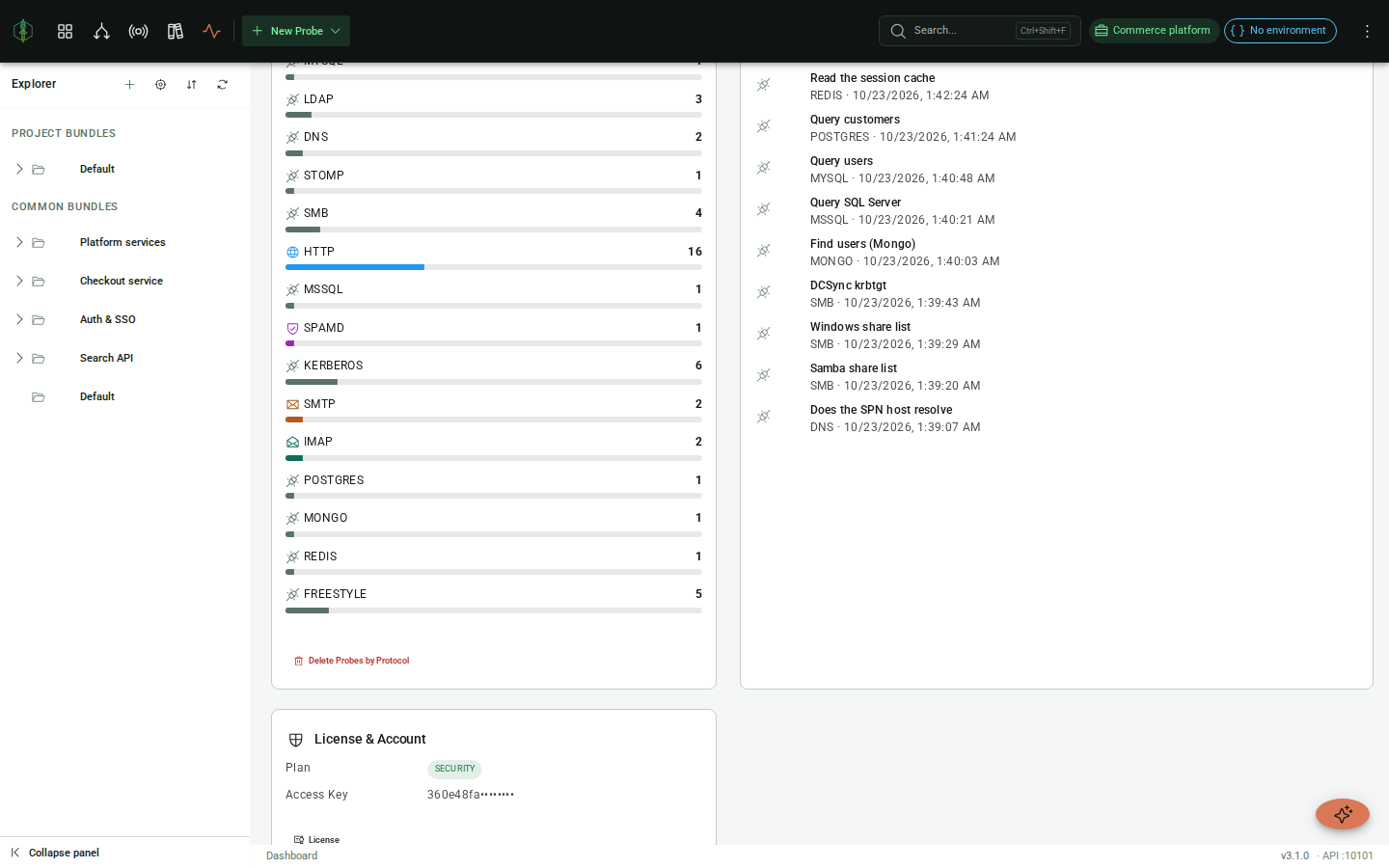
The license panel in the dashboard shows your current tier chip and masked email. If VirtuProbe cannot reach the license server at startup but has validated your license before, it keeps that tier and retries later. It drops to Free mode only when no license has ever been validated on this machine.